

How it works
How Scrimmage Games works
Post your open dates, browse teams that fit, and book the game in a private chat. Here's the whole thing, screen by screen.
Built by Jaime Tineo, youth baseball coach & founder · Last updated August 30, 2026
How it works
Three steps from "who can we play?" to a booked game.
Think of it as a dating app for teams.
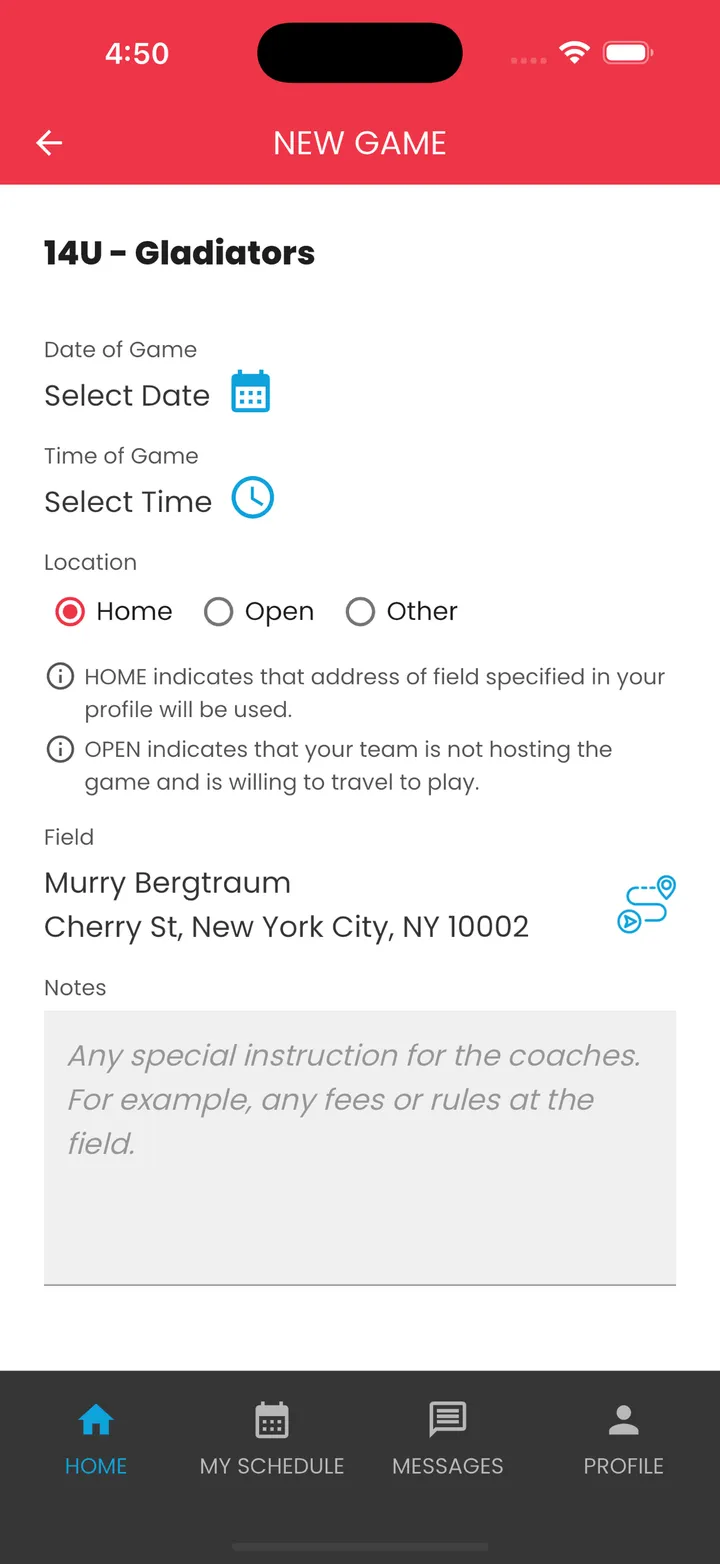
Add your team and open dates
Set your age group, level and home field once. Post the dates you want to play — home, open, or on the road.
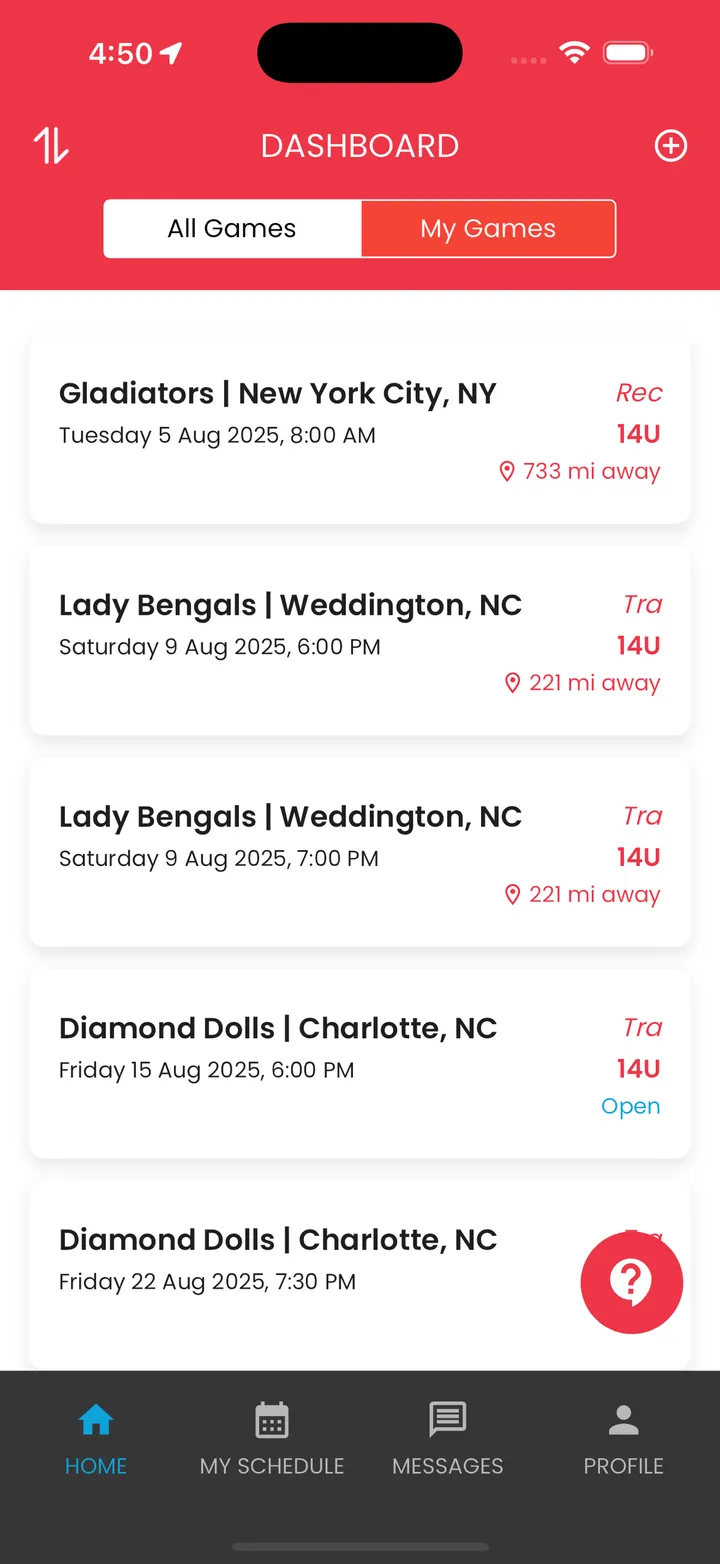
Browse teams by age, skill and distance
See every open game near you at a glance: team, city, date, level and miles away. Filter to exactly your bracket.
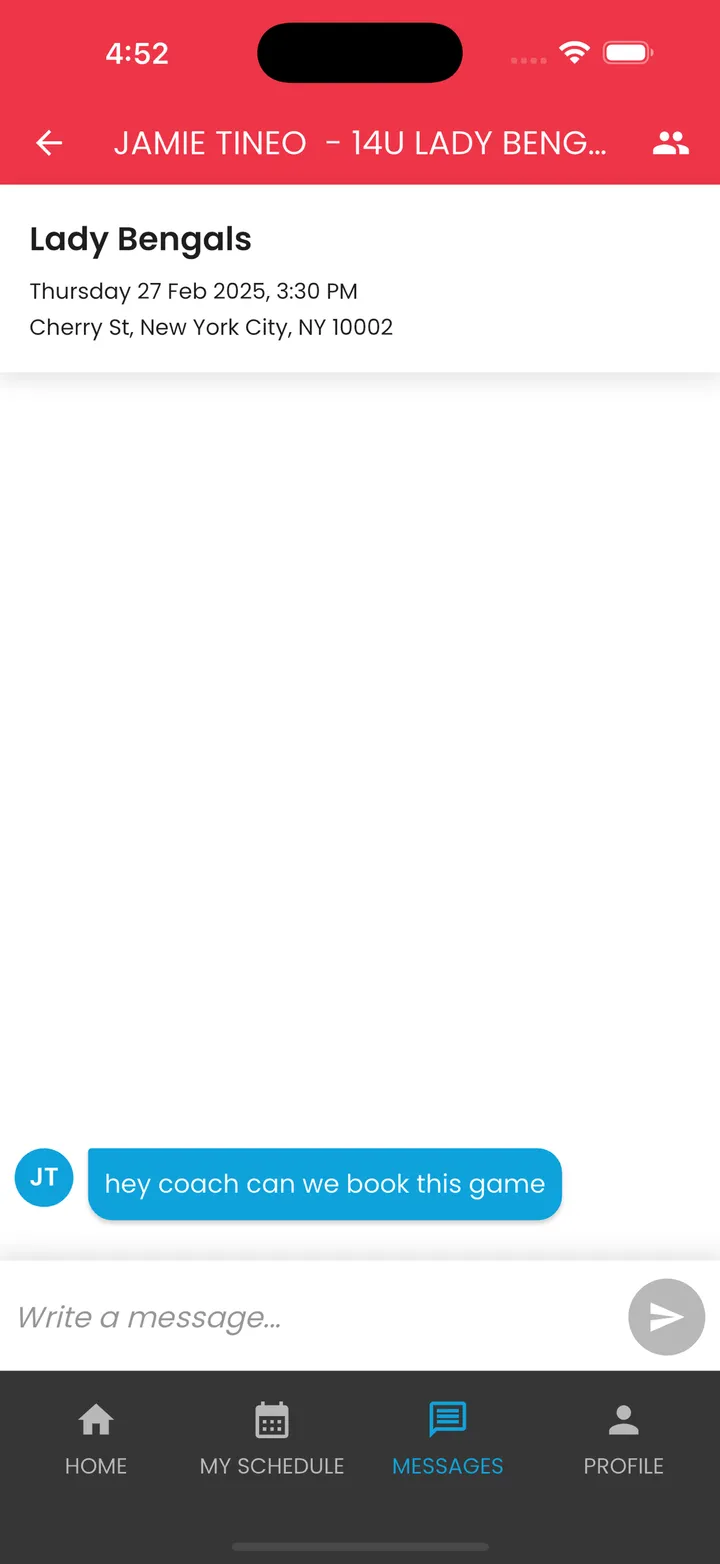
Message and confirm in-app
Chat with the other coach, agree on the field, and book it. Your phone number never leaves the app.
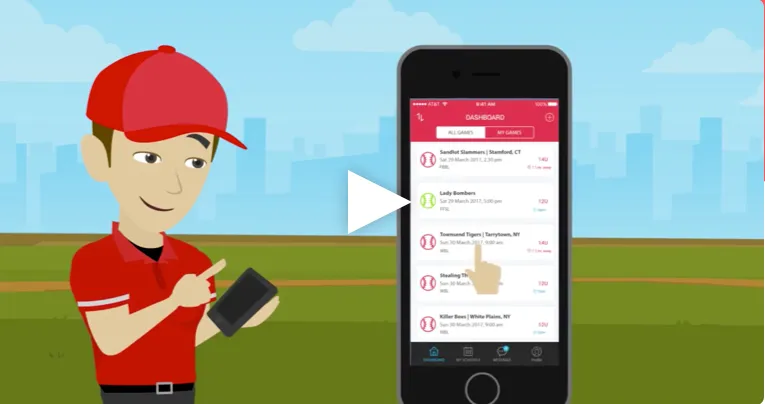 1:20
1:20After the match
What happens once a coach says yes
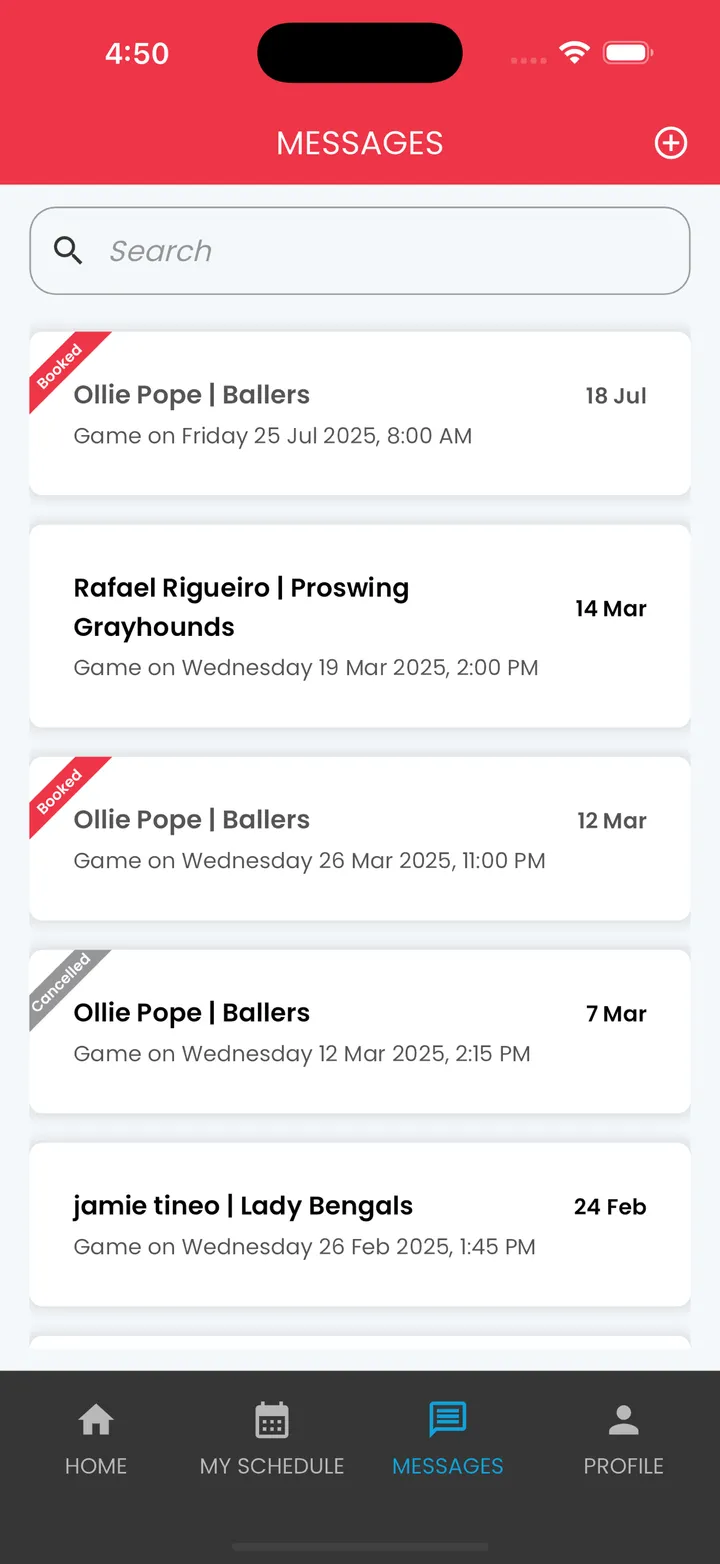
Your conversations, with Booked and Cancelled at a glance
Every game you're talking about lives in Messages. A ribbon tells you which ones are locked in.
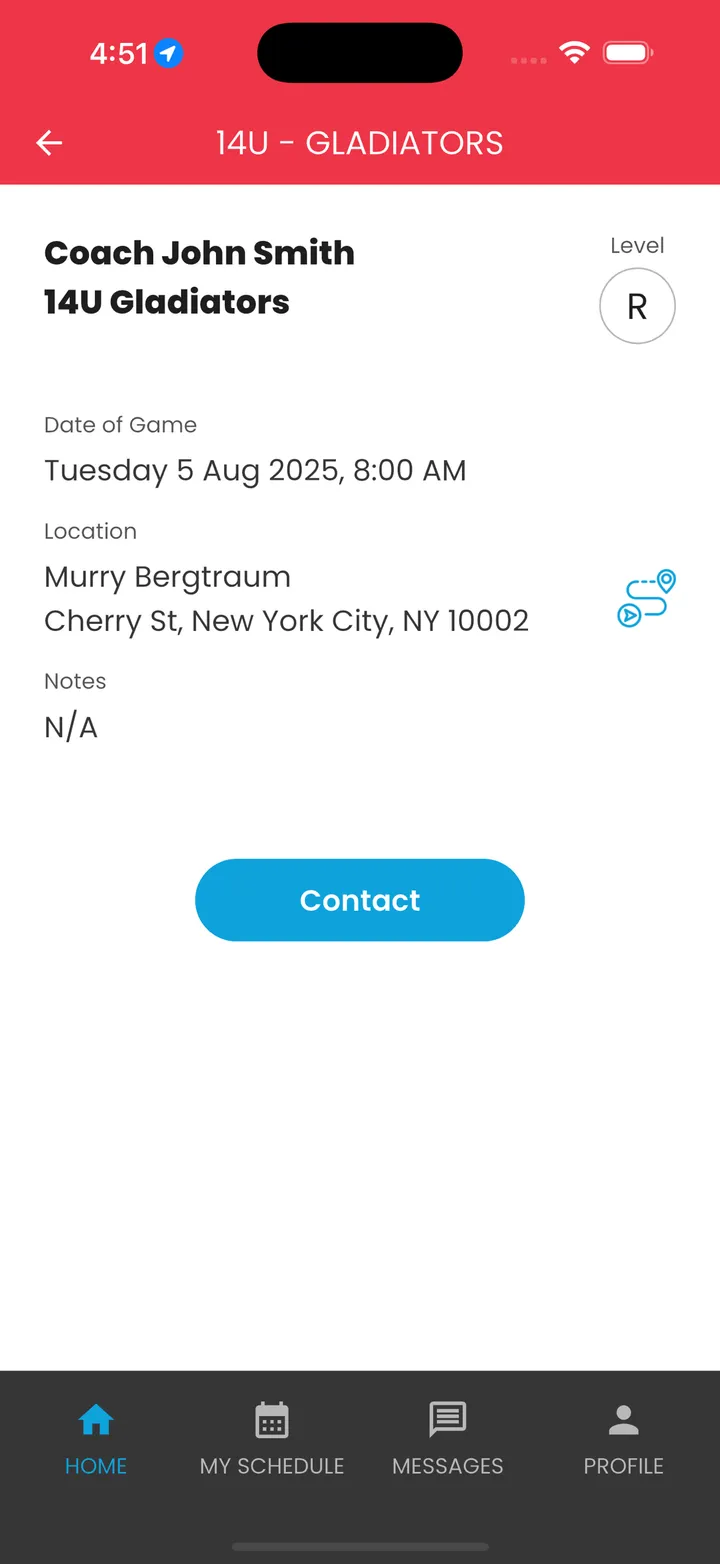
One tap to contact the other coach
Open any game to see the date, field and level — then Contact. No numbers exchanged.
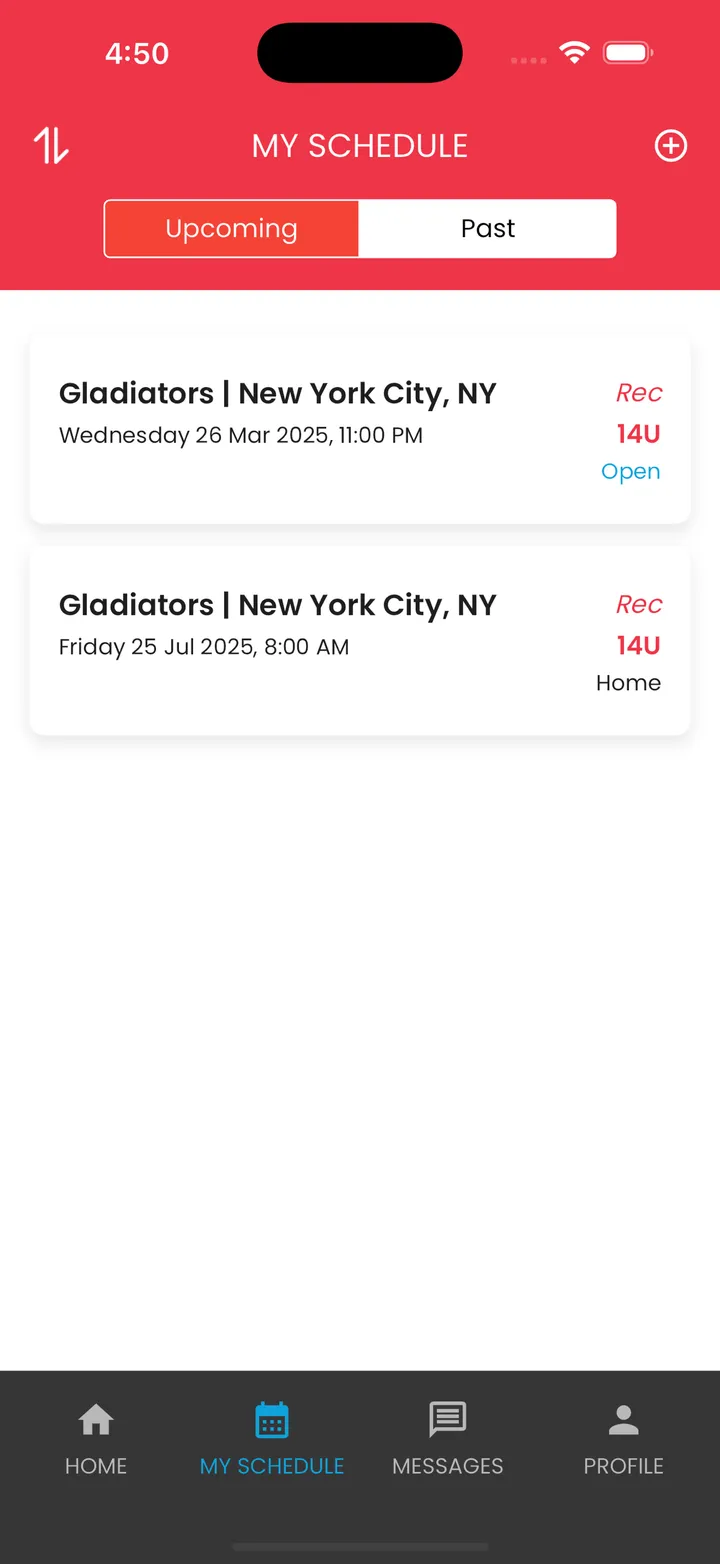
Your season, in one place
My Schedule keeps upcoming and past games together. Save it, email it to parents, done.

Ready to fill your schedule?
Free · iPhone & Android · Your number stays private